Parking Services & Transportation
Parking at St. Cloud State University
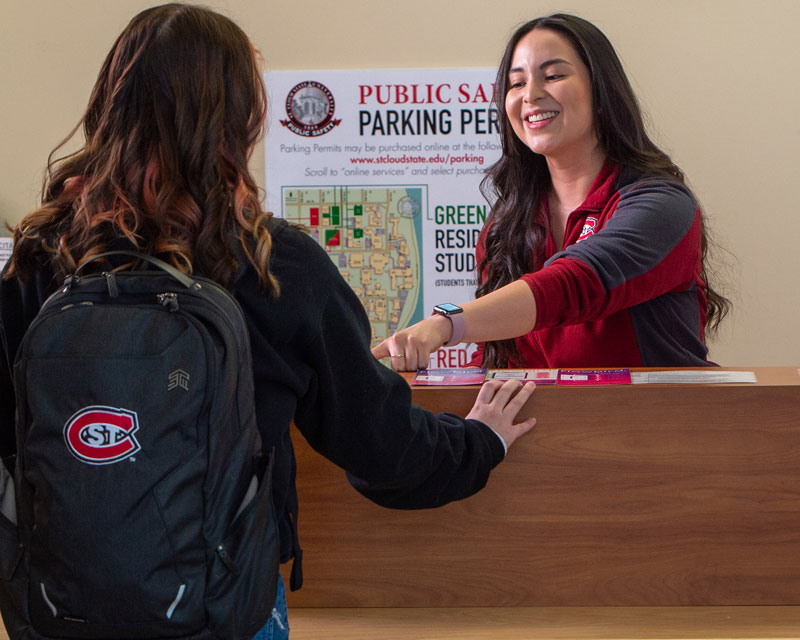
Welcome to St. Cloud State University Parking Services! We are available Monday through Friday, from 8:00 a.m. to 4:30 p.m., to assist any students, guests, faculty or staff with parking information, questions or challenges. After 4:30 p.m., basic parking and emergency services can still be rendered through our 24 hour communications center or by visiting the Public Safety Center to speak with a Patrol Officer.
Parking-related Questions?
Parking Services
Phone: (320) 308-3453
Email: parking@stcloudstate.edu
24 hour Communications Center: (320) 308-3333
Permit Options
All persons operating a motorized vehicle on campus is responsible for being familiar and complying with all St. Cloud State University Parking rules and regulations
SCSU Parking Regulations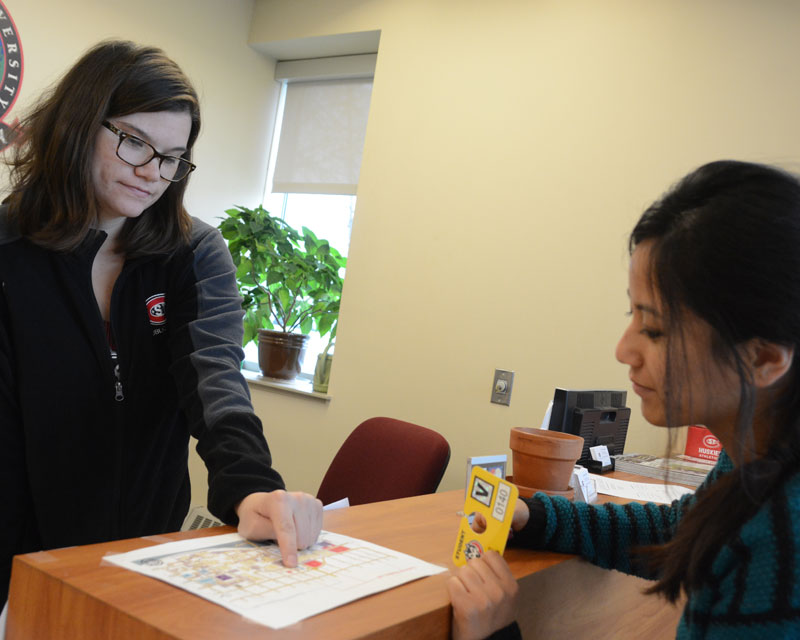
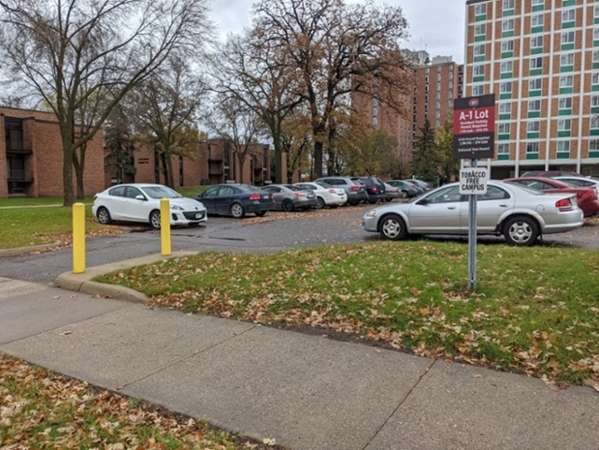
Parking Violation Payments
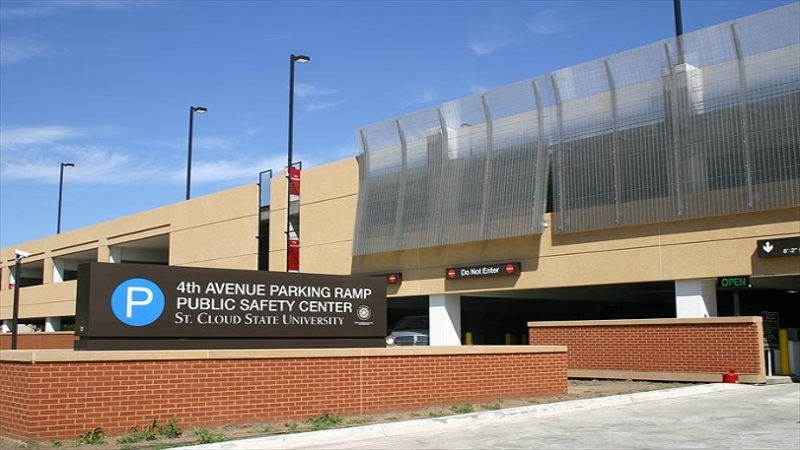
To pay a parking ticket, visit the Public Safety Center located at 526 4th Avenue S., St. Cloud, MN 56301, the Business Office located at 720 4th Avenue S., St. Cloud, MN 56301, or select the button below to pay a ticket online.
View My Parking Account
Select the button below to view, update or edit your parking account. Within your parking account you are able to modify vehicle plate numbers, edit contact information, appeal a parking ticket and MORE!